Page 1 of 1
Working on a RetroPie ArpiCade image
Posted: Fri Aug 25, 2017 3:22 pm
by Ouaibe
Because i like the easiness of RetroPie for adding emulators and system updates, i'm working on an image that would work directly with ArpiCade.
For now, GPIO driver and 480i resolution work. I still need to work on:
- Combo buttons for side fonctions : Add credits / Back to Attract Mode
- Resolution switching back and forth for all emlulators - 480i / 240p
I'll give a download link once it will be working 100%
Re: Working on a RetroPie ArpiCade image
Posted: Fri Aug 25, 2017 5:55 pm
by Happswitch
How well does RetroPie work on vertical CRTs? I have a cocktail cabinet.
Regardless, I'd like to try it out! Please post a link once ready.
Re: Working on a RetroPie ArpiCade image
Posted: Thu Oct 05, 2017 10:56 am
by ace5
Looking forward to it .
Re: Working on a RetroPie ArpiCade image
Posted: Fri Jan 18, 2019 5:42 am
by mrtexasfreedom
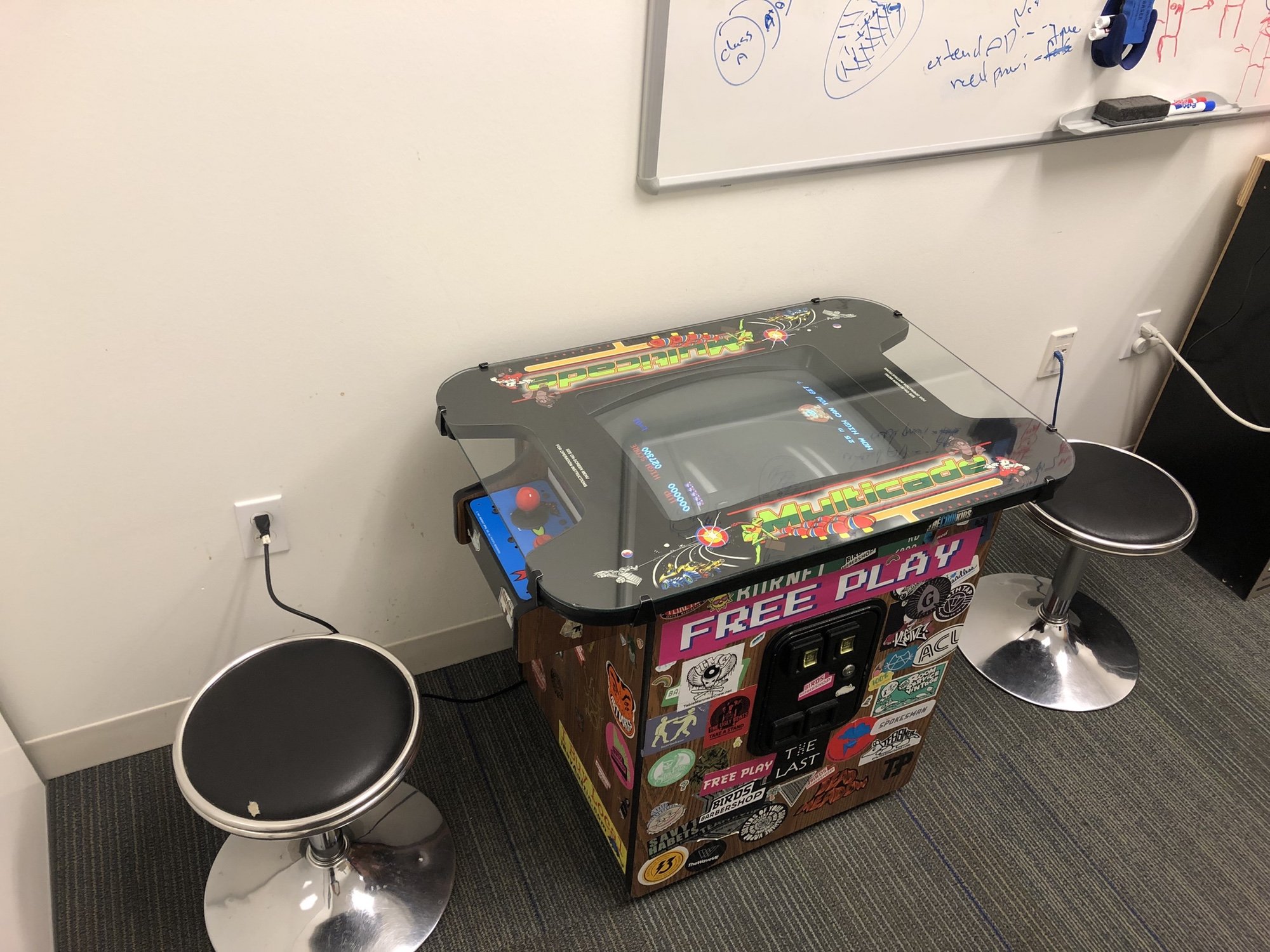
I'm curious if anyone has completed a merge of retropie and ArpiCade software. I am installing in a vertical cocktail cabinet (Multicade) and would like to use RetroPie on top of ArpiCade. Any guidance appreciated.
Re: Working on a RetroPie ArpiCade image
Posted: Sat Jan 19, 2019 11:10 pm
by dee2eR
A couple of years ago I released a version of RetroPie for RaspberryJAMMA. It's still online somewhere I think but wouldn't support the current Pis (can't remember if Pi3 was out yet it may only support Pi2 and earlier). I can try to find the links if you're interested let me know.
If you're keen not to use ARpiCADE as the software I'd recommend Recalbox, there's a version for RaspberryJAMMA done by a member here called Ouaibe (see here:
viewtopic.php?f=12&t=541 ).
Especially for a vertical monitor I'd recommend just using ARpiCADE really. It's the only one aimed at cabs. Then again I make it so your millage may vary...
What feature of RetroPie are you after? Both RetroPie and ARpiCADE are based on Raspbian so a lot of stuff is compatible between them both (generally but not always).
Attempting to use the RetroPie install script on top of ARpiCADE would not be recommended though, it would almost certainly just result in a borked SD card. If it didn't completely break the build you'd end up with 2 separate installs of Retroarch (and the cores) with none of the RetroPie bits actually integrated into the system.
Re: Working on a RetroPie ArpiCade image
Posted: Thu Feb 21, 2019 1:27 am
by mrtexasfreedom
Thanks for the helpful guidance, @dee2er. I followed your advice and went with arpicade hardware and software. Very seamless integration so far! Now trying to read up on all the config settings necessary for running as cocktail orientation for all games....
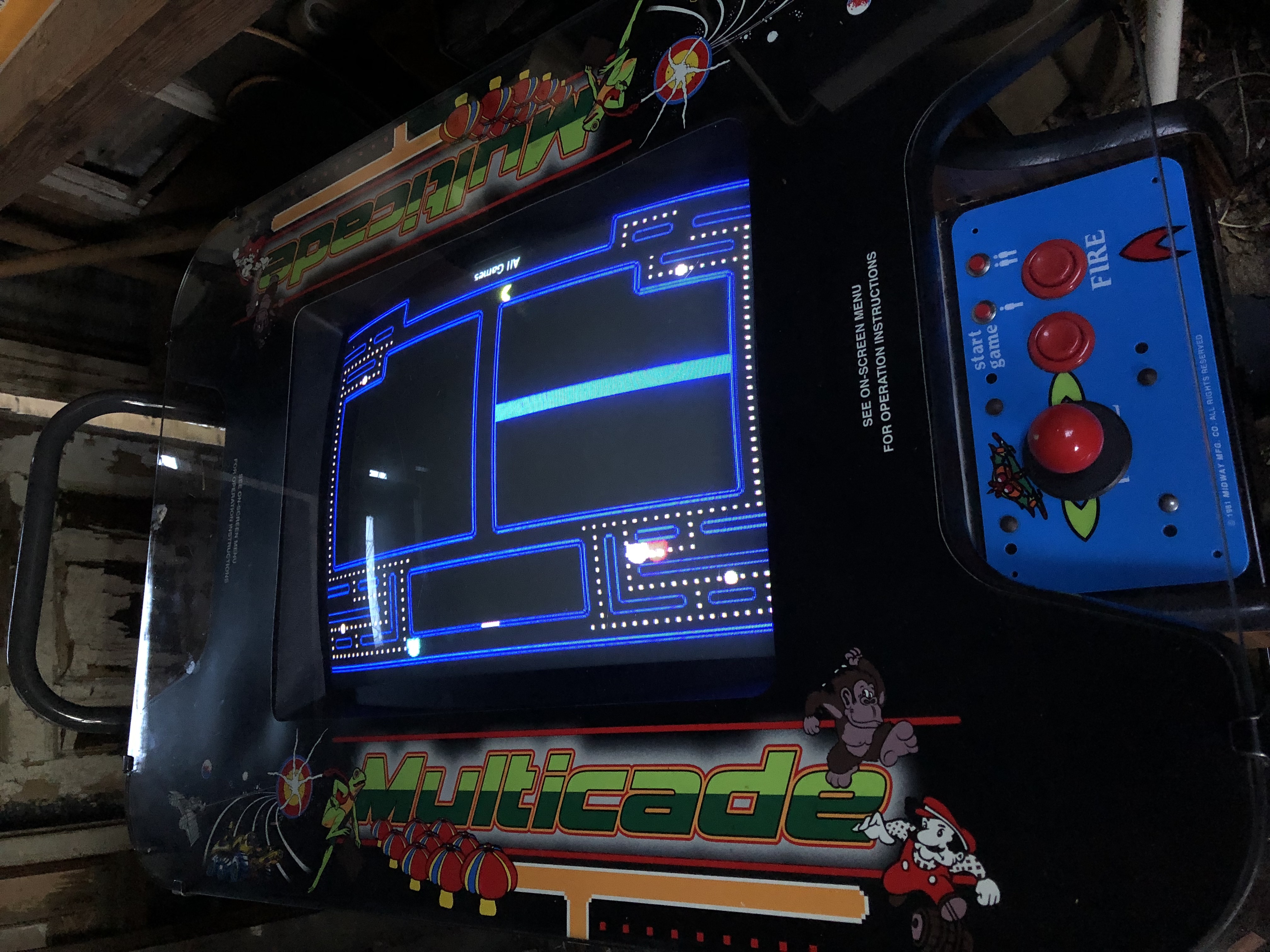
So far a big improvement over the 60-in-1 board that came in this cabinet. I haven't even loaded any games into the image, either, and I'm seeing a huge improvement!