
Looking to install an Amiga emulator on my Arpicade so I can play Stunt Car Racer on my cab.
From what I can see Amiberry is the emulator of choice. Right now I have little idea on how to set this up on Arpicade but I guess I'll be learning...Any tips would be appreciated.
The Amiga really only needs one joystick button per player (although I usually map Cursor Up to a button for ease of driving in Stunt Car Racer). I have the extra six button harness installed so I'm thinking I can use the extra 8 or so buttons I will have spare (across the two players) to Space, Enter, cursor down, ABC keys so I can launch games, enter simple names etc.
For now I will be happy if I can just get a game going, will worry about attract mode videos etc later.
I will try and document everything as I go.
I just want to play Stunt Car Racer!!! (Amiga)
Moderator: dee2eR
Re: I just want to play Stunt Car Racer!!! (Amiga)
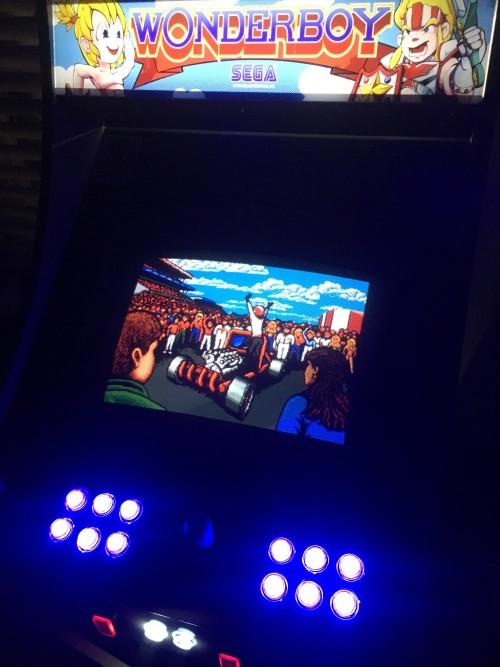
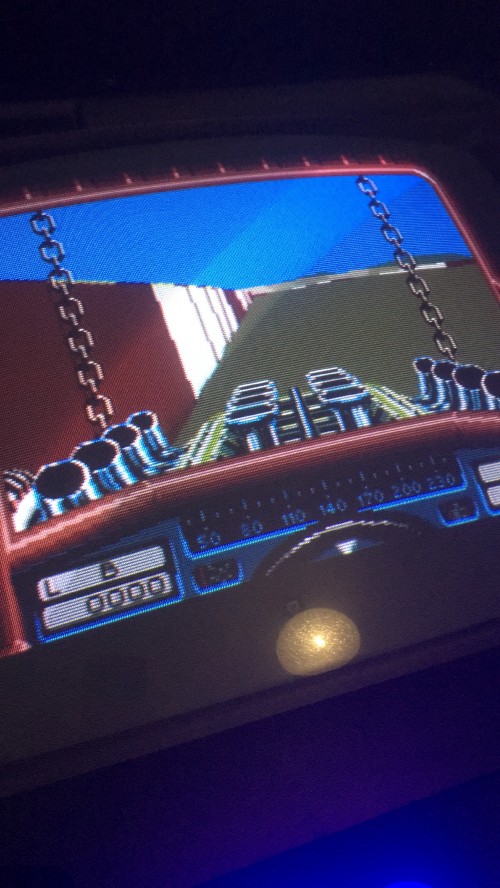
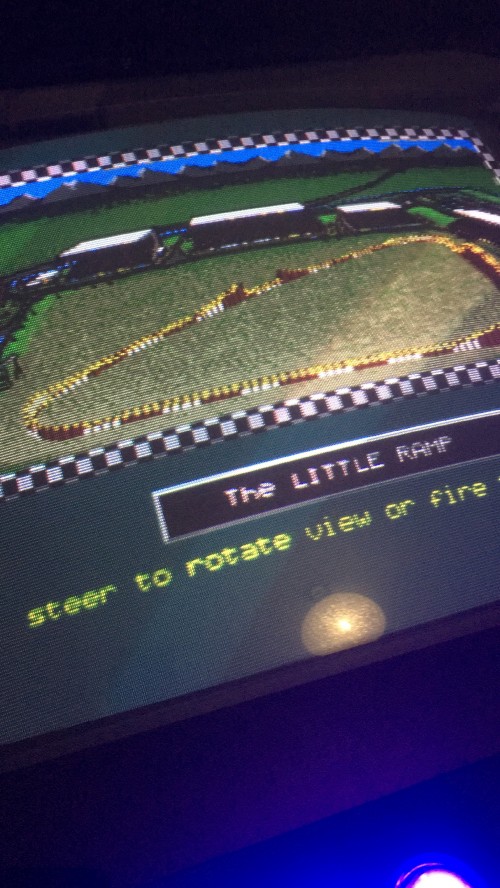
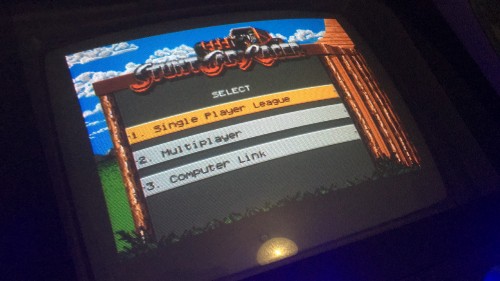
I have been able to successfully get Amiga running, albeit from the command line at this stage.
It was really quite easy, On my PC I downloaded the release build of amiberry from:
https://github.com/midwan/amiberry/releases
I extracted it to a folder (I use ubuntu linux so nice and compatible for me) and then copied my kickstart roms into the existing kickstart folder. I also created a folder called floppies in which I put my Stunt Car Racer rom.
I then took my SD card from my RaspberryJAMMA and inserted it into my car reader and copied the entire amiberry folder from my PC to the /boot/Pi folder on the card.
After replacing the SD card into my RaspberryJAMMA and booting it up, I went to the console (Ctrl-C from attract mode test menu is how I get there). I found the current directory was already /boot/Pi so I just had to cd into the amiberry folder
cd amiberry-rpi-v2.25
and the\n I did the chmod a+x commend on the RPI3 version of the amiberry
chmod a+x amiberry-rpi3-sdl2
To run the executable the command is:
./amiberry-rpi3-sdl2
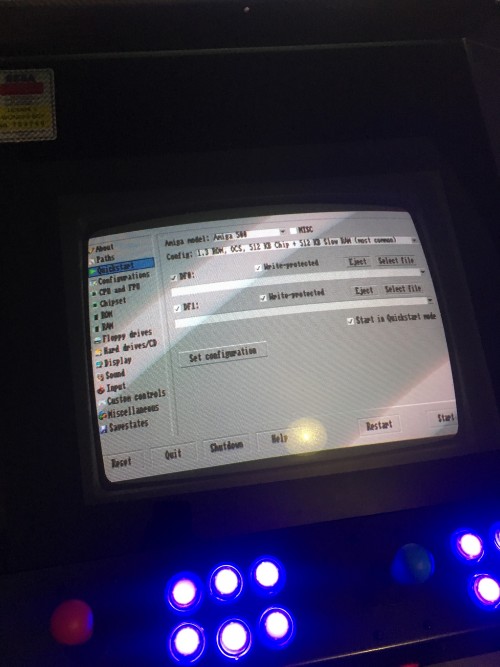
This will bring up the GUI for configuring the Amiga emulator.
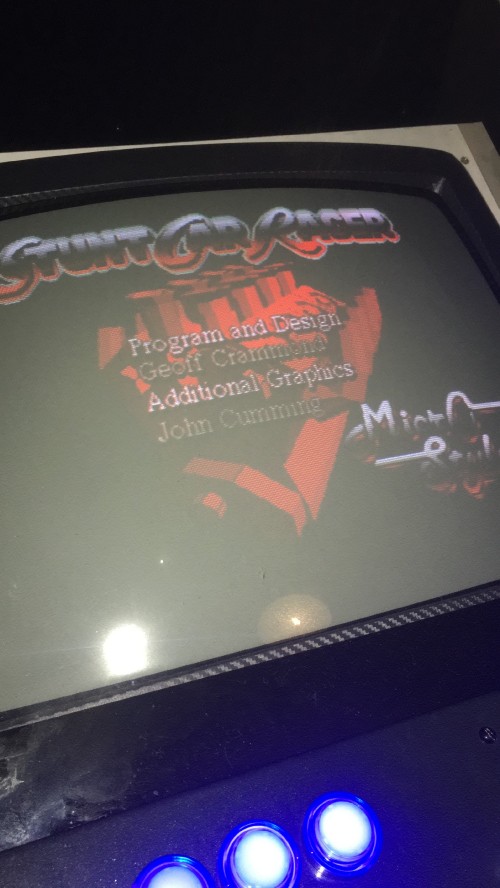
For Stunt Car Racer to work I had to make Joystick 0 the GPIO Controller 2. This enables you to do the "Mouse Click" necessary to get past the crack screen at startup. It's a standard A500 (with 1Mb) memory emulation.
After playing around with my joysticks and display settings etc I settled on a preferred config and saved it to a configuration file called Stuntcar. It gets saved by default into the amiberry-rpi-v2.25/conf folder.
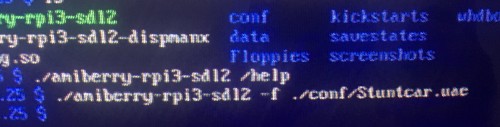
In order to run this configuration directly from the command line the command is:
./amiberry-rpi3-sdl2 -f ./conf/Stuntcar.uae
I believe if I save the configuration with "Show GUI on startup" unticked it should go straight into the game.
Now that I have it working, including the command line launching of configs, it should be possible to get it working with Attract Mode.
It was really quite easy, On my PC I downloaded the release build of amiberry from:
https://github.com/midwan/amiberry/releases
I extracted it to a folder (I use ubuntu linux so nice and compatible for me) and then copied my kickstart roms into the existing kickstart folder. I also created a folder called floppies in which I put my Stunt Car Racer rom.
I then took my SD card from my RaspberryJAMMA and inserted it into my car reader and copied the entire amiberry folder from my PC to the /boot/Pi folder on the card.
After replacing the SD card into my RaspberryJAMMA and booting it up, I went to the console (Ctrl-C from attract mode test menu is how I get there). I found the current directory was already /boot/Pi so I just had to cd into the amiberry folder
cd amiberry-rpi-v2.25
and the\n I did the chmod a+x commend on the RPI3 version of the amiberry
chmod a+x amiberry-rpi3-sdl2
To run the executable the command is:
./amiberry-rpi3-sdl2
This will bring up the GUI for configuring the Amiga emulator.
For Stunt Car Racer to work I had to make Joystick 0 the GPIO Controller 2. This enables you to do the "Mouse Click" necessary to get past the crack screen at startup. It's a standard A500 (with 1Mb) memory emulation.
After playing around with my joysticks and display settings etc I settled on a preferred config and saved it to a configuration file called Stuntcar. It gets saved by default into the amiberry-rpi-v2.25/conf folder.
In order to run this configuration directly from the command line the command is:
./amiberry-rpi3-sdl2 -f ./conf/Stuntcar.uae
I believe if I save the configuration with "Show GUI on startup" unticked it should go straight into the game.
Now that I have it working, including the command line launching of configs, it should be possible to get it working with Attract Mode.

Re: I just want to play Stunt Car Racer!!! (Amiga)
Awesome, thanks for posting it up for everyone.
Wish I knew what was going wrong on the current WIP build with Amiberry, still haven't figured it out.
Wish I knew what was going wrong on the current WIP build with Amiberry, still haven't figured it out.
